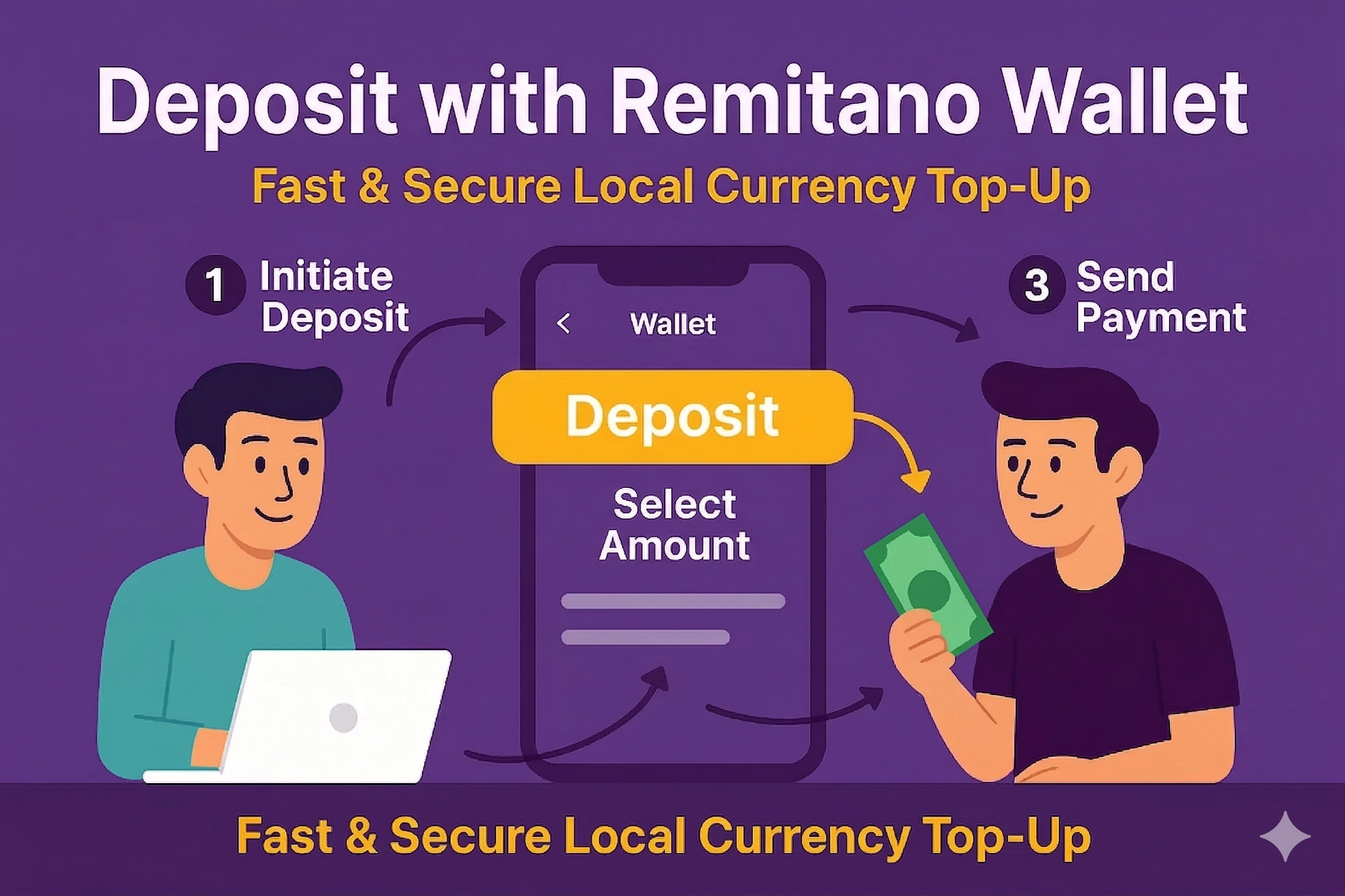
Remitano Wallet allows verified users to store and use tokens directly on the platform. When you have a sufficient balance in your Wallet, your trades are processed instantly without needing to wait for the seller to confirm receipt.
This guide shows you how to deposit with Wallet on Remitano via both the web and the mobile app.
 What Is Token Wallet on Remitano?
The Remitano Wallet is a built-in feature on Remitano that lets you hold your tokens in your account for fast and smooth trading.
Available tokens include:
 NGF (Nigerian Naira)
 VNF (Vietnam Dong)
 ZAF (South African Rand)
 MYF (Malaysian Ringgit)
 KEF (Kenyan Shilling)
etc,…
 How to Deposit (Buy) Using Remitano Wallet
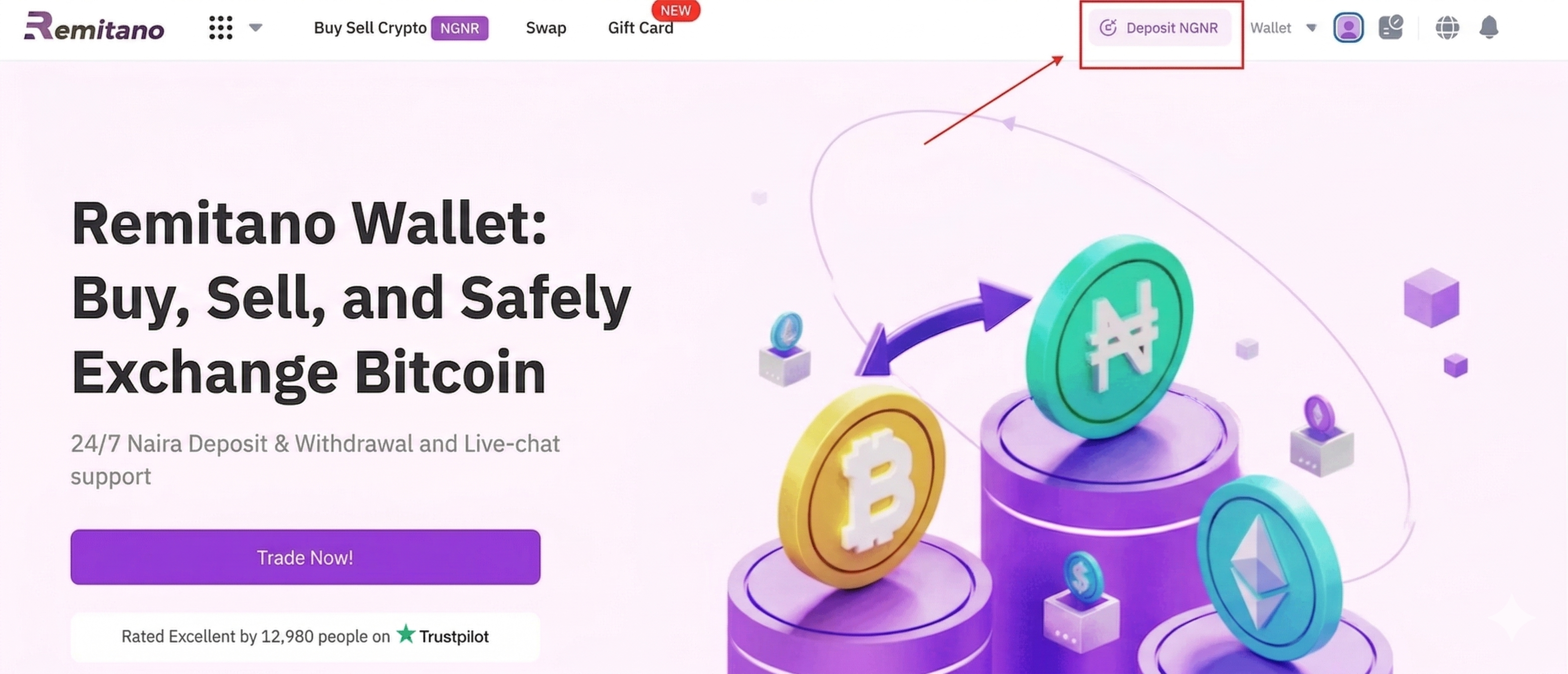
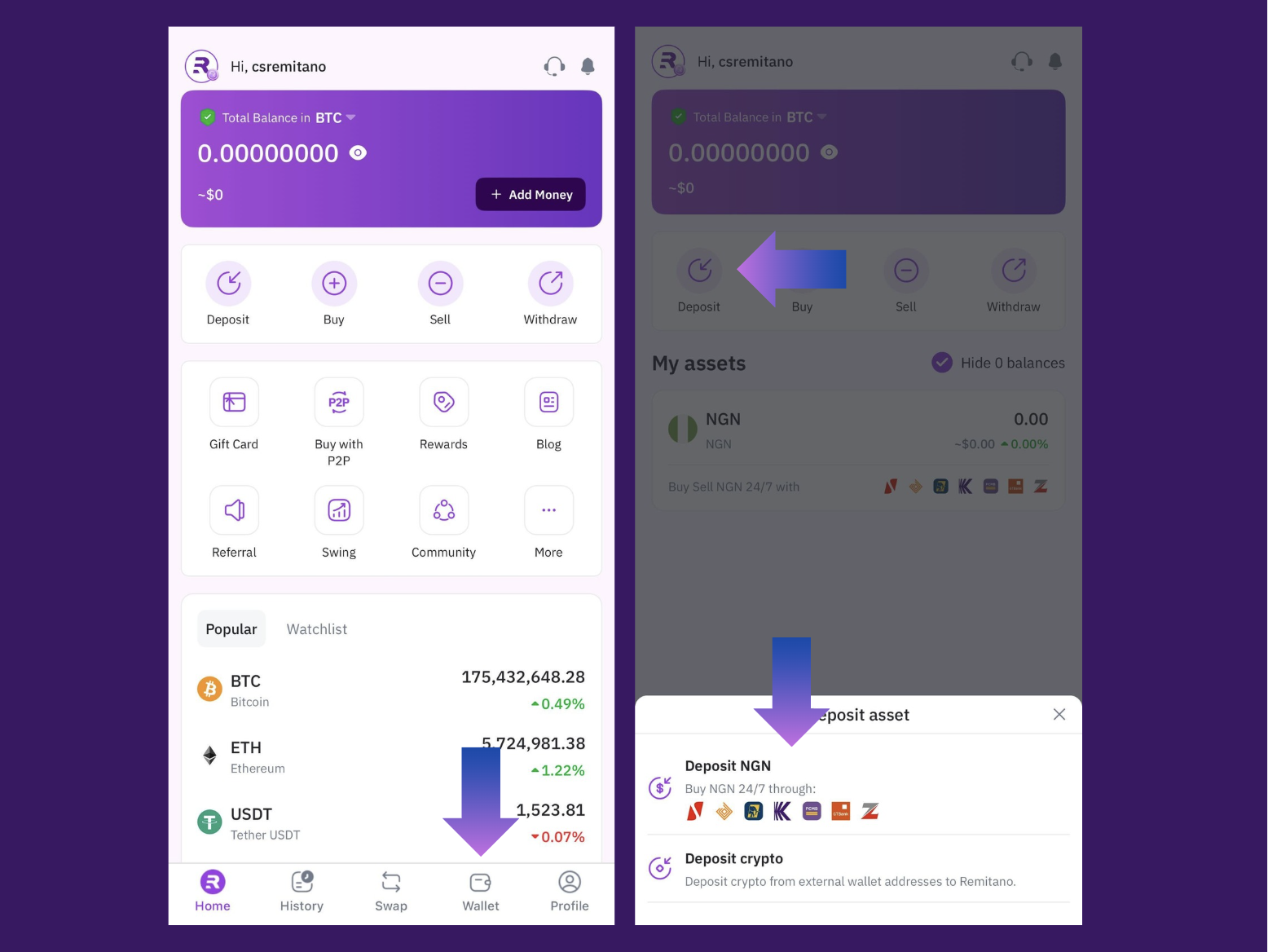
 Step 1: Access Your Remitano Wallet
Log in at remitano.com / Remitano app
Go to Wallet > Deposit next to your wallet
 |  |
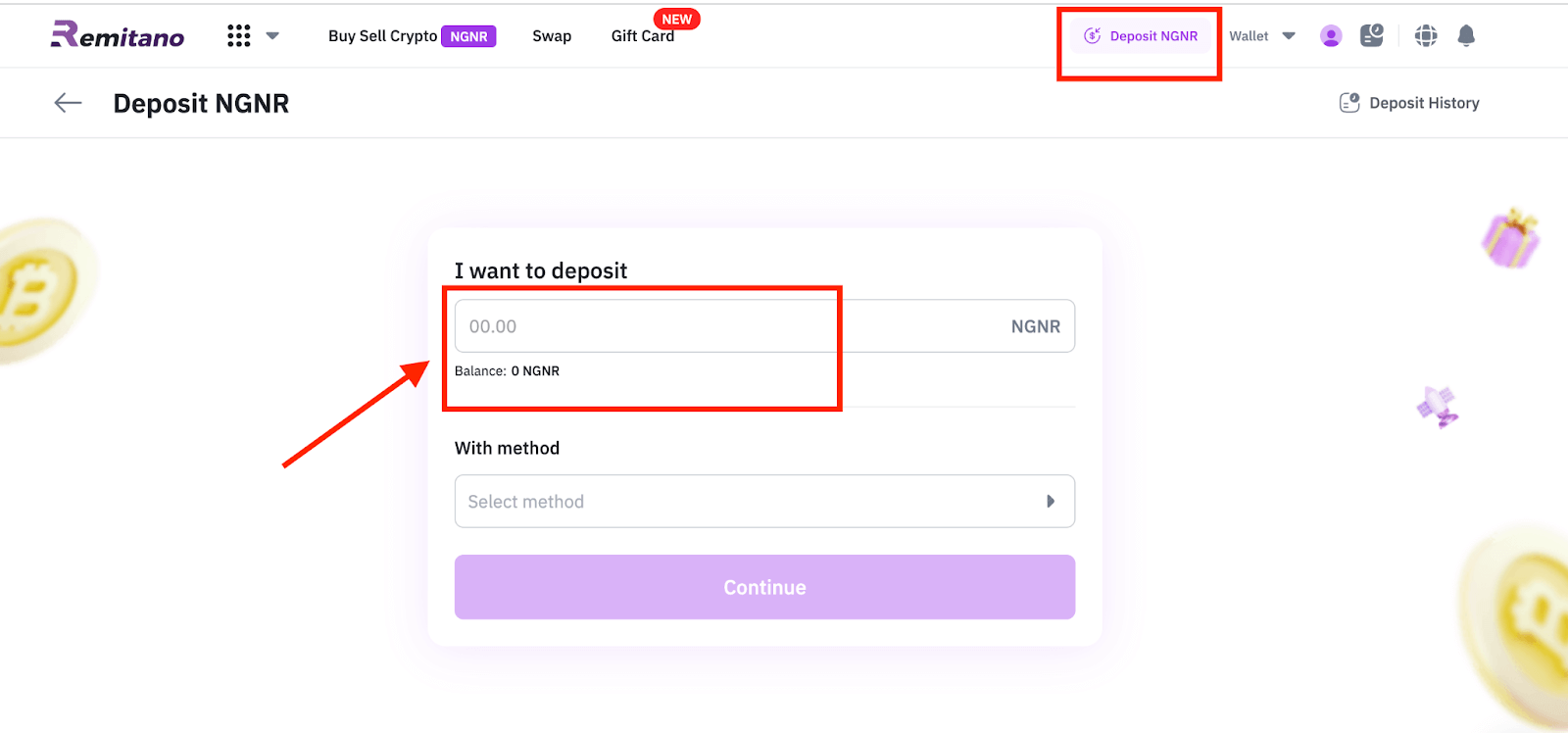
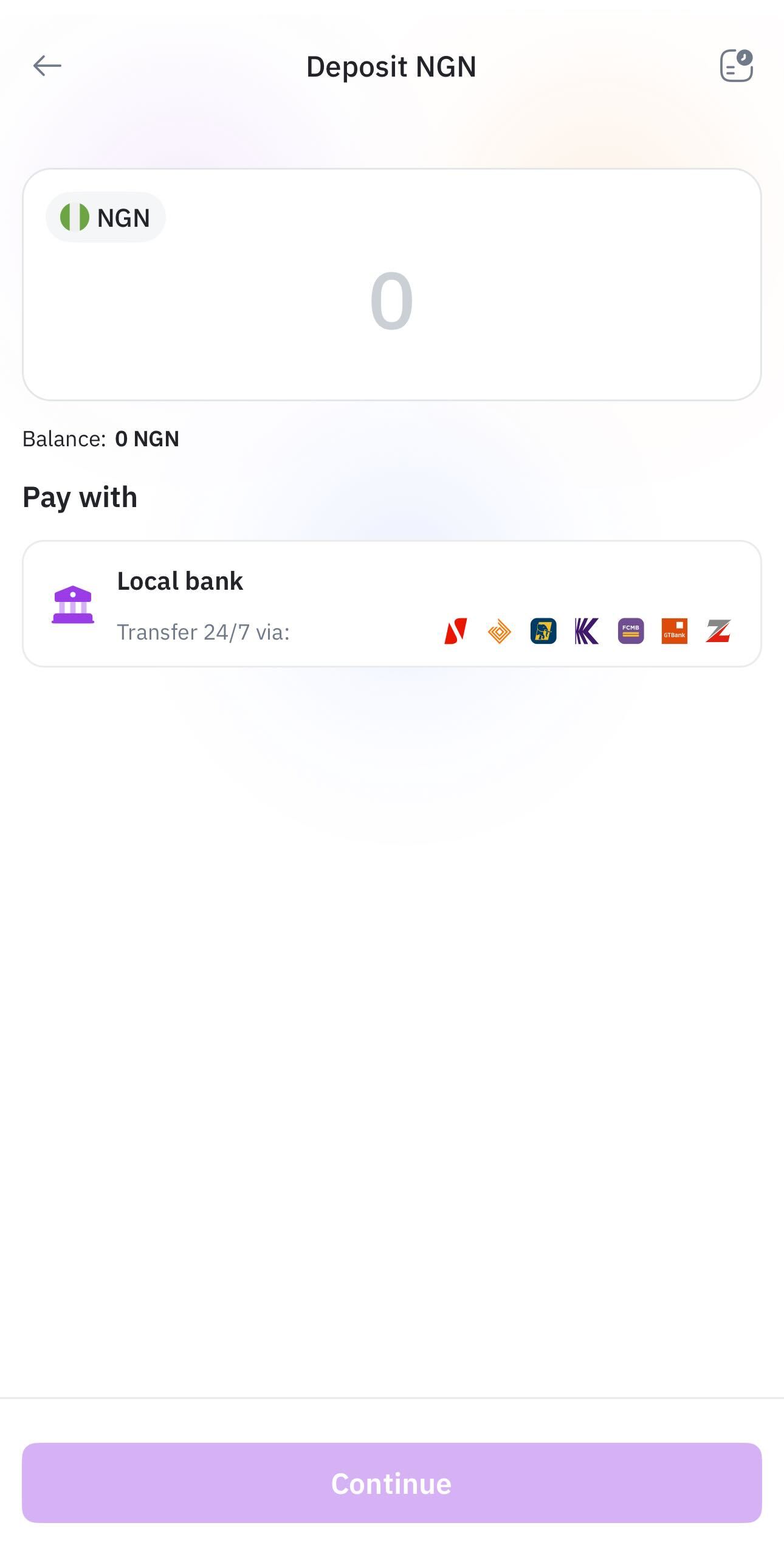
Step 2: Enter the AmountInput the amount you want to deposit
The system will calculate the total, including deposit fee (=0)
|  |
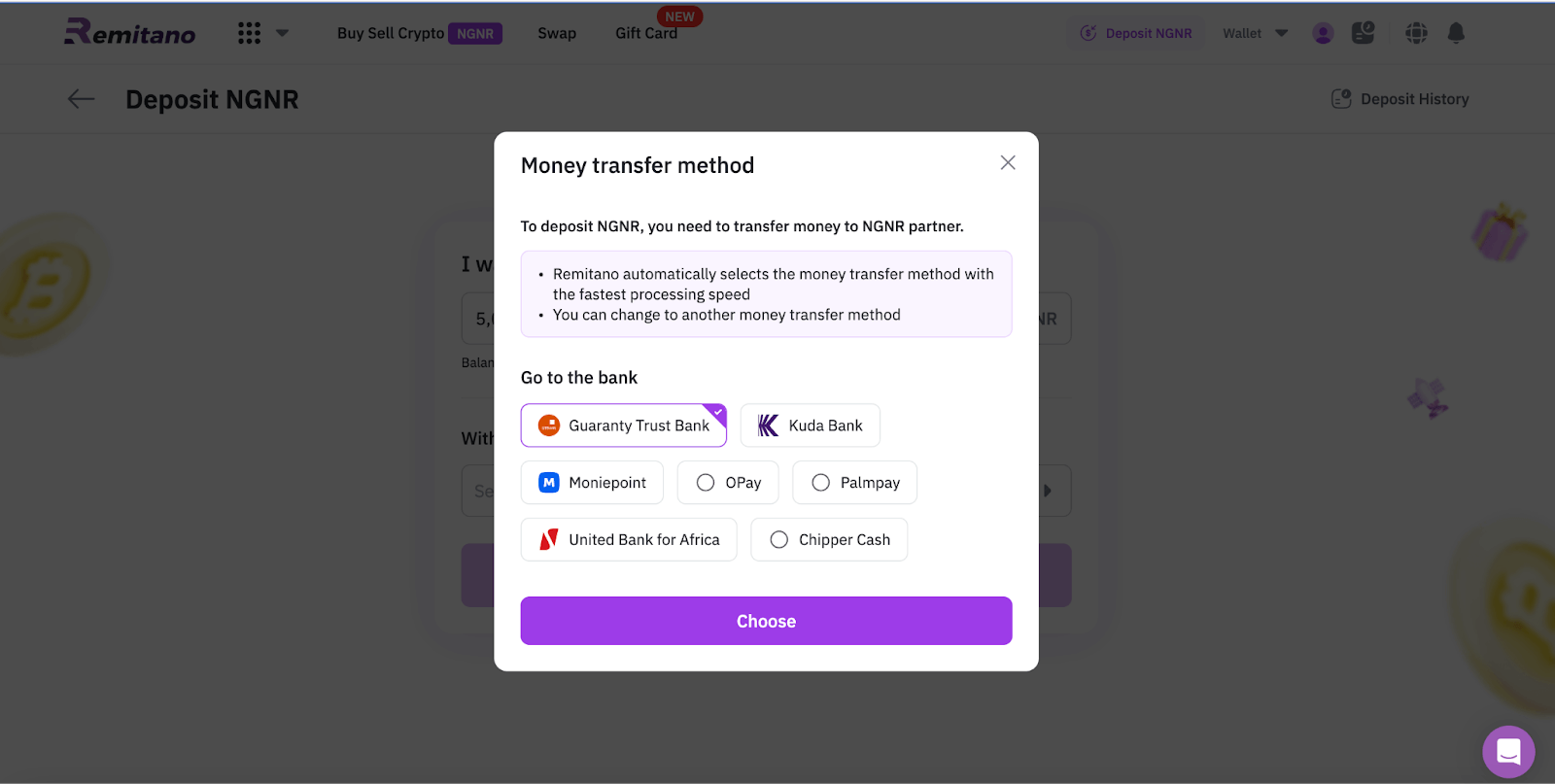
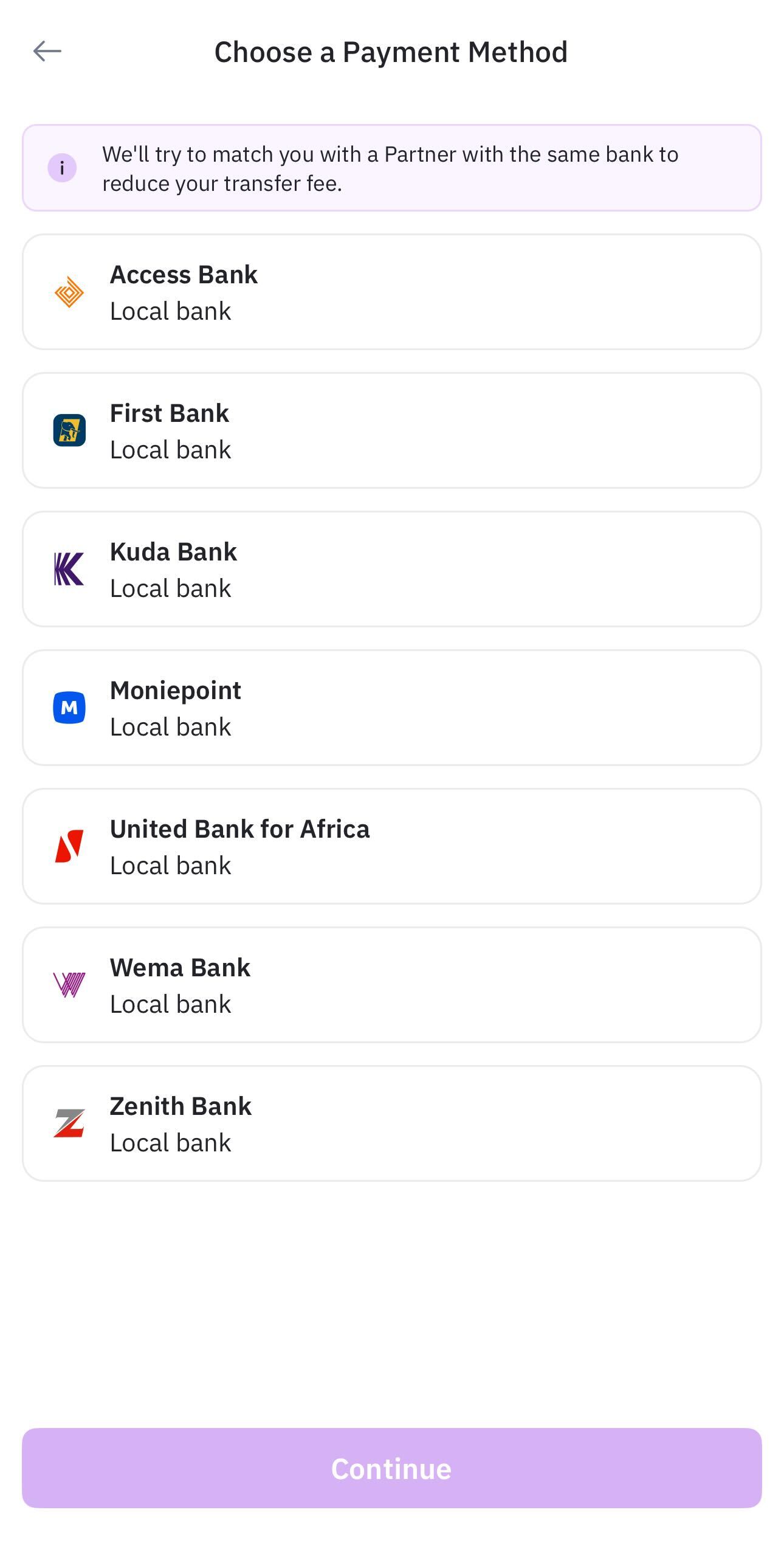
Step 3: Select Bank TransferChoose a listed bank account to transfer to
The system will assign a trusted Liquidity Partner
|  |
Step 4: Make the Transfer and Confirm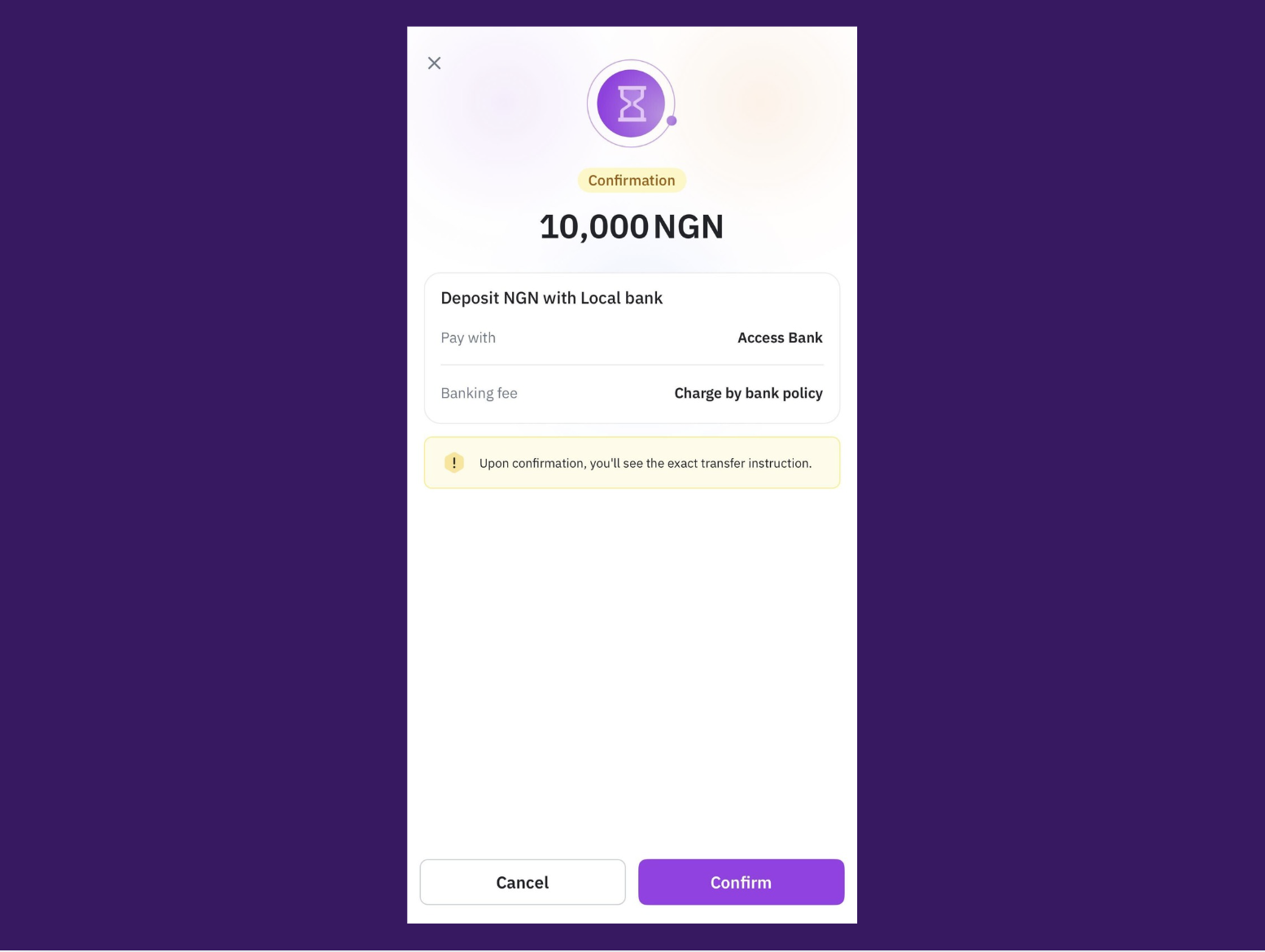
Send the amount to the exact account details provided
After payment, click “I have transferred.”
Upload payment proof within 15 minutes
 Failing to press the button and upload the proof may result in a failed transaction.
 Only transfer using your bank account. If not, funds will be refunded after 2 months.
 Important Notes When Depositing
The account number, amount, and transfer note must match exactly
Uploading incorrect or delayed proof may cause transaction failure
Remitano recommends using your registered bank only
 Conclusion: Deposit Faster and Trade Smarter
With Remitano Wallet, you can trade seamlessly without relying on seller confirmations. By following this guide to deposit with Remitano Wallet, your crypto buying process becomes quicker and more convenient.